This guide focuses on the parts people most often get stuck on, with practical advice built around ChatGPT at work.
ChatGPT vs. Gemini: Which AI is Better for Work?
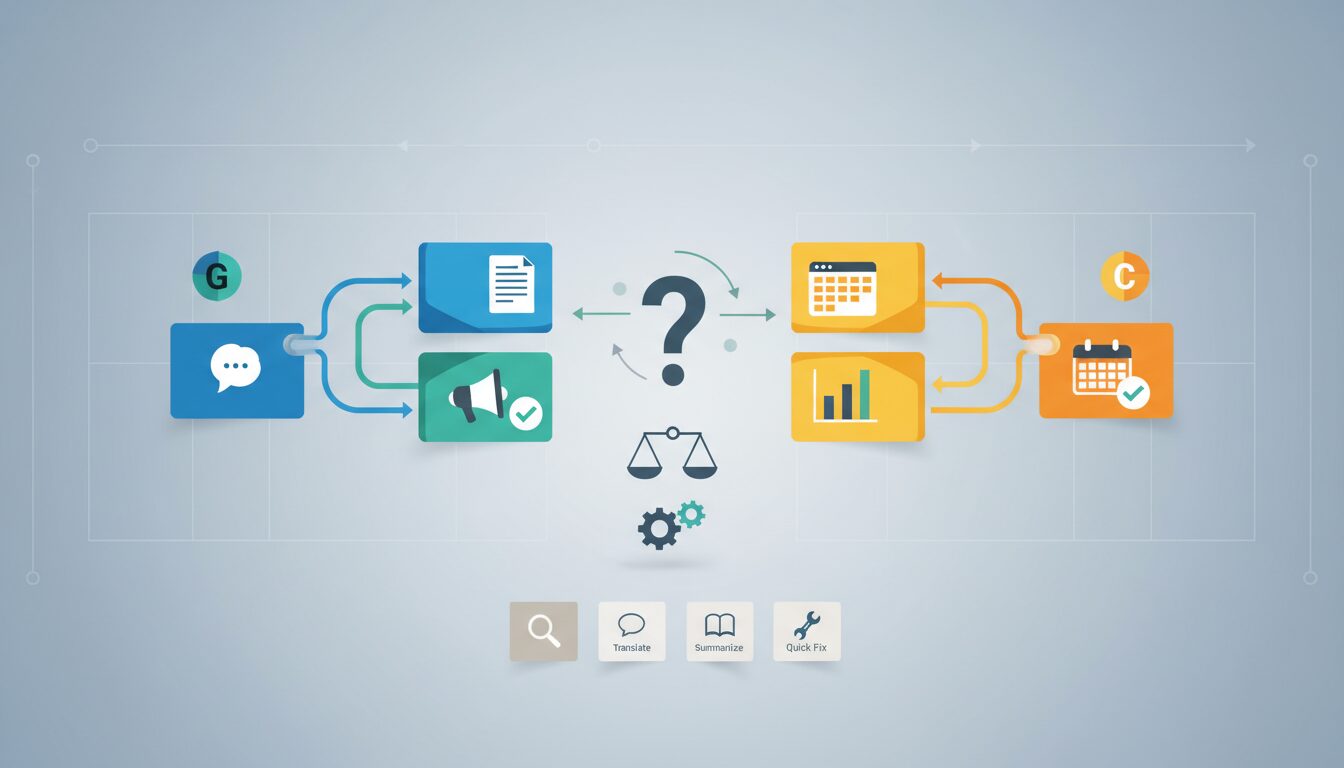
You’re staring at a blank document, a mountain of data, or a complex email, and you know an AI could help. But with ChatGPT and Gemini both vying for your attention, which one genuinely makes your workday easier, faster, and smarter? Choosing the right AI tool for work can significantly streamline your tasks, but the “best” one isn’t a one-size-fits-all answer. It truly depends on what you need it to do to boost your workplace productivity.
So, when it comes to enhancing your professional output, which AI truly earns its spot as your go-to work companion?
Quick summary for busy readers:
- ChatGPT at work excels in creative content generation, brainstorming, and conversational tasks, making it a strong choice for marketing, HR, and initial draft creation.
- Gemini at work shines with data analysis, coding, multimodal reasoning, and seamless integration within the Google Workspace ecosystem, benefiting data scientists, developers, and project managers.
- The ‘better’ AI for work depends entirely on your specific task and existing tech ecosystem – there’s no universal winner.
- Always verify AI outputs, craft precise prompts, and prioritize data privacy to avoid common workplace pitfalls when using AI tools for work.
ChatGPT at work essentials
ChatGPT’s Forte: Creativity & Communication

ChatGPT has become a household name for a reason: its strength lies in understanding and generating human-like text across a vast array of topics. If your work involves a lot of writing, ideation, or general information retrieval, ChatGPT at work often feels like a natural extension of your thought process, making it an invaluable AI tool for work.
- Creative Content Generation: Need to whip up five different headlines for a new product, draft a compelling blog post, or generate social media updates? ChatGPT at work excels at producing diverse and engaging textual content quickly. It’s a fantastic starting point for marketing copy, internal communications, or even presentation outlines, significantly boosting workplace productivity.
- Brainstorming & Idea Generation: Facing a creative block? Use ChatGPT at work to kickstart new projects, explore different angles for a presentation, or develop innovative solutions to workplace challenges. It can offer fresh perspectives you might not have considered.
- Drafting & Communication: It’s ideal for crafting initial drafts of emails, reports, HR communications, or even personalizing employee onboarding messages. This significantly reduces the time spent on getting that first version down, allowing you to focus on refinement.
- General Knowledge & Q&A: Quickly get summaries of complex topics or answers to broad informational queries, saving valuable research time. It’s like having an incredibly well-read assistant at your fingertips, making it a practical AI for work.
Gemini’s Edge: Data, Code & Google Integration
Google’s Gemini, especially its Advanced version, brings a different set of superpowers to the table. Its deep integration with the Google ecosystem and stronger analytical capabilities make it particularly appealing for data-heavy roles or teams deeply embedded in Google Workspace, proving its worth as a powerful AI at work.
- Data Analysis & Interpretation: Gemini at work can process and derive insights from structured data, especially when integrated with Google Sheets. This makes it powerful for financial analysis, sales reporting, identifying market trends, or summarizing large datasets. You can ask it to find patterns, calculate metrics, or explain anomalies directly from your spreadsheets.
- Coding & Development Assistance: Developers can leverage Gemini at work for generating code snippets, debugging, or understanding complex programming concepts. It’s particularly useful for Python and other popular languages, helping you write more efficient code or quickly grasp unfamiliar syntax.
- Multimodal Reasoning: Gemini’s ability to understand and generate content across text, images, and potentially other formats offers unique advantages. Imagine uploading a chart and asking it to explain the trends, or providing an image and asking it to describe its contents and suggest related text.
- Seamless Google Workspace Integration: For teams heavily reliant on Google Docs, Sheets, and Slides, Gemini at work‘s native integration offers a smoother, more intuitive workflow. It can summarize lengthy Google Docs, help draft emails in Gmail, or even generate presentation slides based on your notes within Google Slides. This reduces context switching and keeps your work flowing within your existing tools, enhancing overall workplace efficiency.
The Common Ground: Both Are Productivity Powerhouses
While their strengths diverge, both ChatGPT and Gemini offer a core set of features that can universally boost workplace efficiency. Regardless of which AI tool for work you lean towards, these functionalities are game-changers:
- Summarization: Both can condense lengthy documents, emails, articles, or meeting transcripts into digestible summaries, saving significant reading time and helping you grasp key information quickly.
- Translation: Break down language barriers with quick and accurate translations for international communications, research, or understanding documents in other languages.
- Quick Q&A & Research: Get instant answers to factual questions or explore topics without deep-diving into search engines. They can act as a rapid knowledge base for quick queries, making them excellent AI tools for work.
- Content Refinement: Use either to rephrase sentences, adjust the tone of your writing (e.g., from formal to casual), improve clarity, or make your text more concise. This is invaluable for polishing any written communication.
Avoid These 3 AI Pitfalls at Work
While AI tools for work are powerful, they aren’t foolproof. Integrating them into your workflow without caution can lead to significant issues. Be aware of these common mistakes when using AI at work:
1. Over-reliance Without Verification:
- The Problem: Blindly trusting AI output can lead to factual errors, outdated information, or misinterpretations in critical documents or communications. AI can “hallucinate” – providing plausible but incorrect information – which can damage credibility or lead to poor decisions.
- Prevention: Always fact-check and cross-reference AI-generated content with reliable sources. Treat AI at work output as a sophisticated first draft that requires mandatory human oversight and verification before final use.
2. Vague or Generic Prompts:
- The Problem: Using simple, one-line requests for complex tasks often results in generic, irrelevant, or incomplete outputs that waste your time. The AI lacks the necessary context, constraints, or specific instructions to produce a truly useful response for a nuanced business problem.
- Prevention: Invest in prompt engineering skills. Provide detailed context, specify the desired format, tone, audience, length, and any specific data points or constraints the AI should consider.
-
Example of a better prompt for ChatGPT at work: “Draft a concise email to stakeholders announcing the Q3 project delay. Explain the reason (supplier issues), state the new target completion date (October 31st), and emphasize mitigation strategies currently in place. Maintain a professional yet reassuring tone.”
3. Ignoring Data Privacy & Security:
- The Problem: Inputting sensitive company data (e.g., client lists, proprietary strategies, personally identifiable information) into public AI models without understanding their data handling policies can lead to data breaches or compliance violations. Free/public AI models may use your input data for training, potentially exposing confidential information.
- Prevention: Utilize enterprise-grade AI solutions (like ChatGPT Enterprise or Gemini for Workspace) that offer robust data privacy agreements and explicitly state they do not use your data for training. Anonymize or generalize sensitive information before inputting it into any AI tool for work, and always review the AI provider’s data usage policy thoroughly.
Smart Strategies for Choosing Your AI Co-pilot
The “better” AI for work isn’t a fixed answer; it’s a dynamic choice based on your specific needs. Here’s how to make an informed decision and integrate AI at work effectively:
- Define Your Core Use Cases: Before choosing, list the specific tasks you want AI to assist with. Are you primarily drafting emails, analyzing sales data, generating marketing copy, or writing code? Your answer will heavily influence your choice of AI tool for work.
- Conduct a Pilot Test: Don’t just pick one. Experiment with both ChatGPT at work and Gemini at work on real-world tasks relevant to your work. Compare the quality, speed, and relevance of their outputs. See which one “clicks” better with your workflow.
- Assess Ecosystem Integration: Consider your existing technological environment. If your organization heavily uses Google Workspace (Docs, Sheets, Slides, Gmail), Gemini’s native integration might offer a smoother, more intuitive workflow. For broader application flexibility and extensive API options, ChatGPT might be more versatile for your workplace productivity needs.
- Develop Prompt Engineering Skills: This is arguably the single most important factor for getting valuable results from either ChatGPT at work or Gemini. Invest time in learning how to craft precise and detailed prompts. Specify desired format, tone, audience, and constraints to get the best results. A vague prompt will yield a vague answer, regardless of the AI.
- Establish a Human Review Process: Always treat AI at work generated content as a first draft. Implement a mandatory human review and verification step to ensure accuracy, compliance, and quality before final use. This prevents errors and maintains professional standards.
- Prioritize Security & Compliance: Before integrating AI for work deeply into your operations, ensure you understand and adhere to your organization’s data privacy policies and any relevant industry regulations (like GDPR or CCPA). When handling sensitive information, always opt for enterprise-grade solutions with explicit data protection guarantees.
Your AI Co-pilot Checklist for Workplace Productivity:
- ✓ Define your primary AI at work use cases.
- ✓ Pilot test both ChatGPT and Gemini on real work tasks.
- ✓ Evaluate integration with your existing tech ecosystem (e.g., Google Workspace).
- ✓ Invest time in learning advanced prompt engineering.
- ✓ Implement a mandatory human review for all AI-generated content.
- ✓ Confirm security and data privacy policies before using sensitive information with any AI tool for work.
Ultimately, the ‘better’ AI for work isn’t a fixed answer but a dynamic choice based on your specific needs, workflow, and commitment to smart, secure usage. Embrace AI at work as an augmentation tool, not a replacement. View ChatGPT and Gemini as powerful co-pilots that enhance your productivity, creativity, and analytical capabilities. Learn their nuances, adapt your approach, and you’ll transform how you work, making your professional life significantly more efficient and effective with these leading AI tools for work.
- [1]
Google Workspace Learning Center
Official guidance for productivity workflows and workplace tools